Java Setup
- Open Minecraft Java Edition.
- Choose Multiplayer, then Add Server.
- Use evermark.modrinth.gg as the server address.
- Join Discord if whitelist or verification help is needed.
Join Evermark
Evermark is easiest to enjoy when you join the community first, connect cleanly, read the basics, and find a place to belong before rushing off alone.
Discord is where verification, announcements, town invites, event updates, reports, and quick help happen.
Visual setup
These are community-history visuals from the world that led to Evermark. New onboarding screenshots can replace them as fresh Evermark photos are taken.
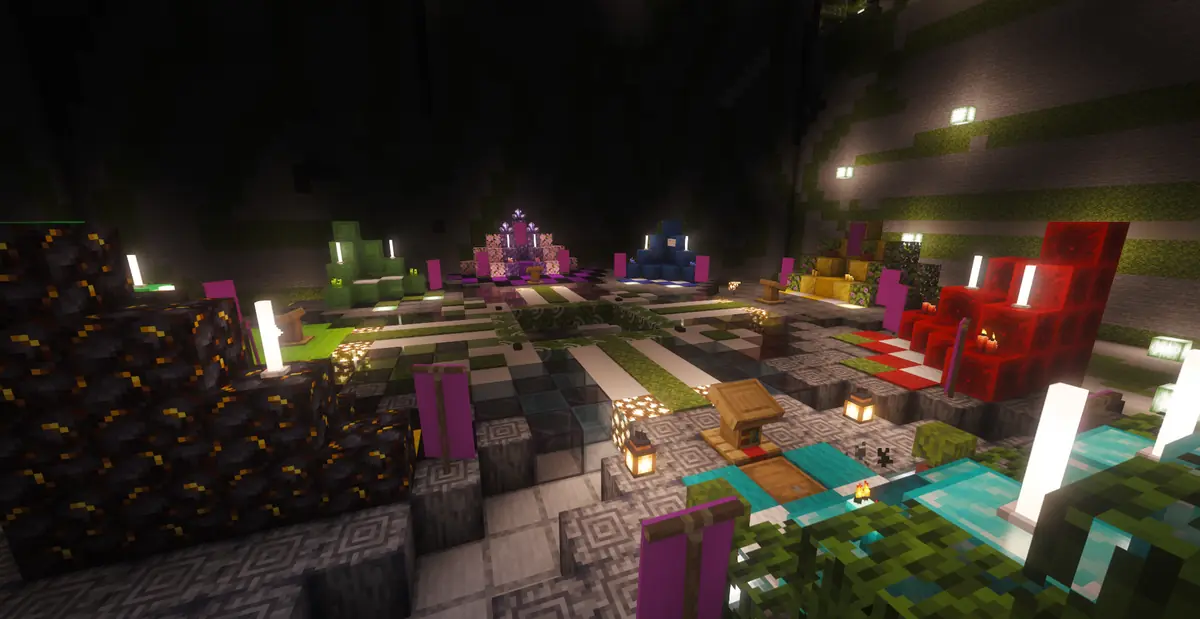
Discord is the front door: verification, help, rules, events, and town invites all start there.
Once connected, ask about public towns, shops, roads, and areas where new players can settle.
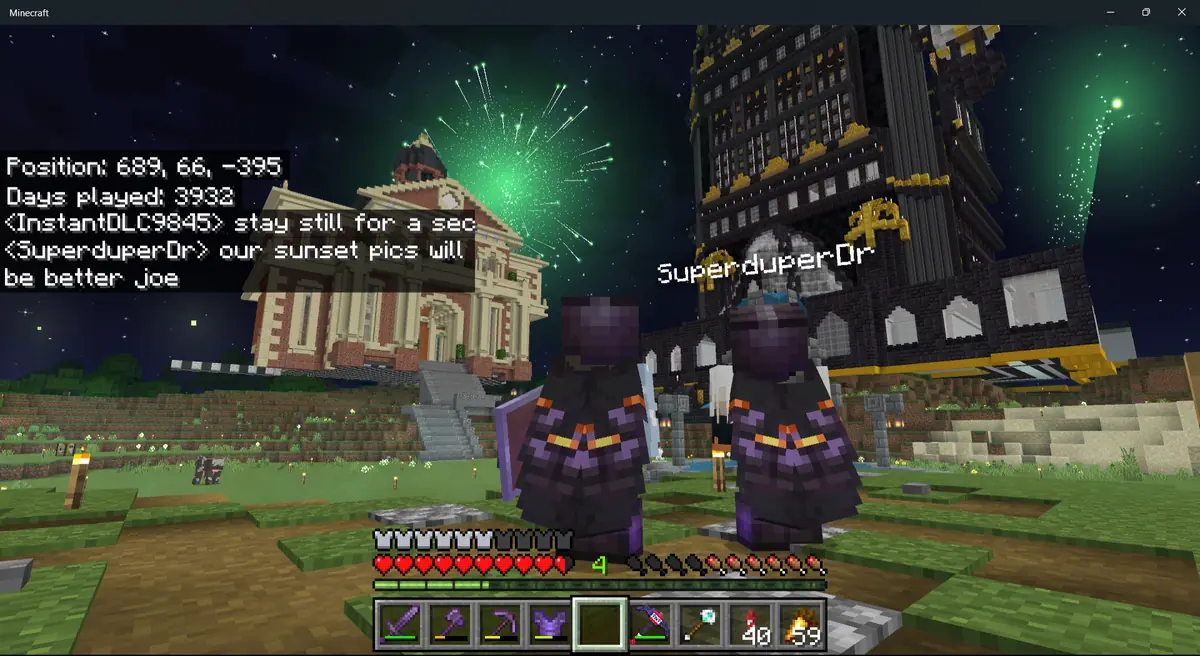
The server is built around players leaving a mark together, not silently racing through survival alone.
First 10 minutes
Do these in order and your first session will feel much smoother.
Verify, read announcements, and ask for help if the server does not let you in immediately.
Use the Java IP or Bedrock address and port above. Save the server to your list.
Use /rules in game or read the website rules before claiming land or opening shops.
Check your starter guide book or help menus for core commands and server systems.
Ask about public towns, use town menus, or start your own place once you understand the basics.
Look for NPCs, holograms, crates, voting info, cosmetics, and other server entry points.
Voting, cosmetics, events, and collectibles give you community goals without pay-to-win pressure.
Build a home, help a town, open a shop, join an event, or create something people remember.
Bedrock-friendly
Bedrock chat and command typing can be clunky, so Evermark leans on GUIs, clickable books, NPCs, and short aliases where possible.
Useful commands
Some commands depend on server launch configuration, permissions, or plugin availability.
/helpOpen the main help menu or guide./rulesView server rules./discordGet the Discord link./hubReturn to the server hub when available./townTeleport to your town spawn or open town help if you do not have one./town menuOpen town management and public town options./town visitBrowse public towns to visit when available./voteView vote links and daily vote progress./cosmeticsOpen cosmetic menus for pets, trails, titles, and more./eventsCheck active or upcoming events if enabled./cratesOpen crate information if available./reportsGet help with reports or appeals when supported.Join the Discord, connect to the server, and ask where new players are settling this week.